
Altimeter40.0.1 - Get APK
You'll be able to download in few seconds.
Publisher Description
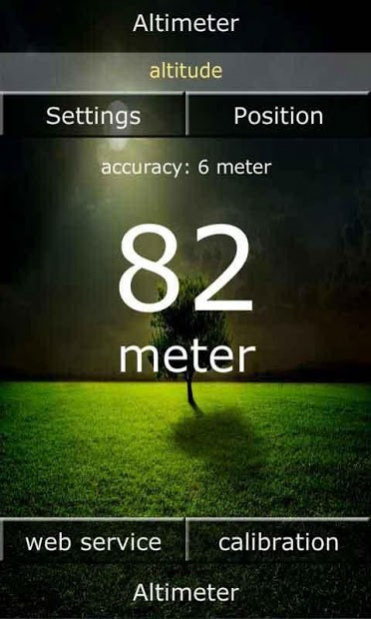
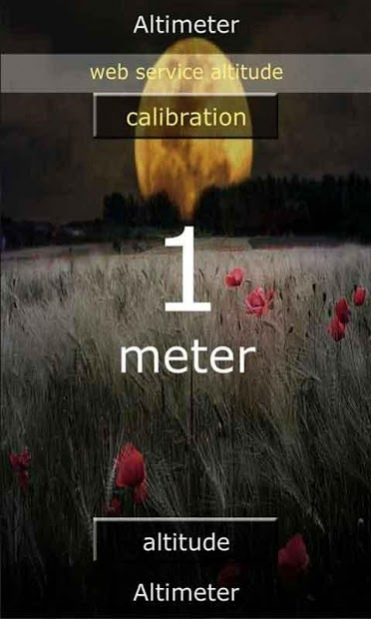
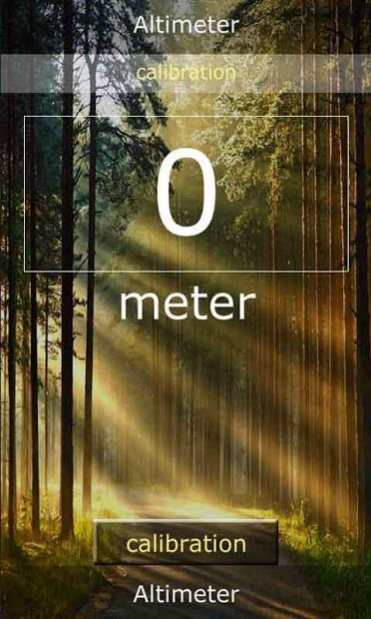
Altimeter App for Android
What altitude do I have? - Not just in hot air balloons one imagines this question. The use for an altimeter are manifold. As a backup for private pilots, as climbers or just because you want to know it.
The Altimeter App reads the GPS of the device. Here the data is sent to the app and displayed on the screen. The accuracy depends on the used phone.
There are 2 ways of calibration:
1. Using a web service
The position data is transmitted to a web service and sent back to the app. With this information, the altimeter can be calibrated.
2. Individual calibration
The Altimeter App can also be calibrated individually. Just write the altitude in the field provided.
Another feature is the display of the current position.
Degree of latitude
Längenrad
Street with house number
Position with postal code.
By clicking - Map - opens Google Maps. The position can be sent via Email, Whatsapp or Facebook.
The altimeter is translated into 6 languages:
English, Spanish, German, Italian, French and Portuguese.
During the transmission sometimes occur 0 values. This can be prevented by the spike filter.
The altimeter app can be styled individually. There are 12 backgrounds available. You want it even more individual? - No Problem. Just take a photo and upload it in your app.
The Pro version has the advantage that no further advertising will be displayed.
Here again all features at a glance:
Representation of the height in meters and feet
Webservice for calibration
Individual calibration
Display of longitude, latitude, street, house number, place
Google Maps support
Sending the position and height
Spike Filter
Translation into 6 languages
Individual styling
Have fun with the app ... .. wishes ldevelop.com
About Altimeter
The company that develops Altimeter is ldevelop.com. The latest version released by its developer is 40.0.1.
To install Altimeter on your Android device, just click the green Continue To App button above to start the installation process. The app is listed on our website since 2017-01-17 and was downloaded 0 times. We have already checked if the download link is safe, however for your own protection we recommend that you scan the downloaded app with your antivirus. Your antivirus may detect the Altimeter as malware as malware if the download link to air.Android_Altimeter is broken.
How to install Altimeter on your Android device:
- Click on the Continue To App button on our website. This will redirect you to Google Play.
- Once the Altimeter is shown in the Google Play listing of your Android device, you can start its download and installation. Tap on the Install button located below the search bar and to the right of the app icon.
- A pop-up window with the permissions required by Altimeter will be shown. Click on Accept to continue the process.
- Altimeter will be downloaded onto your device, displaying a progress. Once the download completes, the installation will start and you'll get a notification after the installation is finished.
Program Details
System requirements
Download information
Pricing
Version History
version 40.0.1
posted on 2017-01-17
minor bug fixed
version v2.0.9
posted on 2013-06-30
Several fixes and updates
Disclaimer
External Download
We do not host Altimeter on our servers. We did not scan it for viruses, adware, spyware or other type of malware. This app is hosted by Galad and passed their terms and conditions to be listed there. We recommend caution when installing it.
The APK Download link for Altimeter is provided to you by apps112.com without any warranties, representations or guarantees of any kind, so access it at your own risk.
If you have questions regarding this particular app contact the publisher directly. For questions about the functionalities of apps112.com contact us.
